


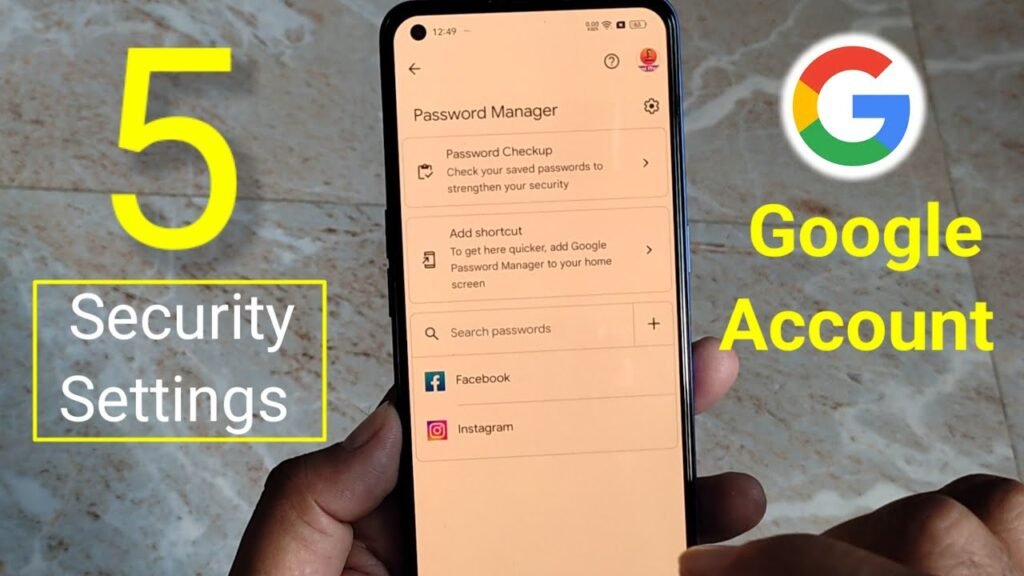
Your Google Account does much more than give you access to Gmail. It serves as the gateway to nearly every Google service you use, including Google Maps, YouTube, Google Photos, Google Drive, and Android devices. While most people only think about updating their password or enabling two-step verification, Google also includes several lesser-known settings that can significantly improve your privacy, strengthen your account security, and give you greater control over your personal information.
If you haven’t explored these options yet, now is the perfect time to review these five important Google Account settings.
1. Check What Information Is Visible on Your Google Profile
Many users don’t realize that parts of their Google profile may be visible to other people. For example, someone who receives an email from you through Gmail or reads one of your Google Maps reviews may also be able to view your public profile.
Go to Google Account > Data & Privacy > Profile to see what information is currently visible to others.
From there, you can choose whether your profile picture, bio, social media links, and other personal details remain public or private.
Keeping only essential information visible helps protect your online identity while improving your overall privacy.
2. Add Trusted Recovery Contacts Before You Need Them
Forgetting your password, losing your phone, or getting locked out of your account can happen at any time. Setting up recovery options in advance can make regaining access much easier.
Navigate to Security & Sign-in > Recovery contacts and add trusted friends or family members who can help verify your identity if you ever lose access to your account. Google will ask them to confirm their role as recovery contacts.
Although recovery phone numbers and backup email addresses are important, Trusted Recovery Contacts provide an additional layer of security that many users overlook.
3. Control the Personalized Ads You See
Google uses your browsing activity and interests to personalize the advertisements displayed across its services. While you can’t completely disable ads, you can decide how they’re tailored to you.
Open Data & Privacy > My Ad Center to review the interests Google has associated with your account. You can remove certain interests, reduce ads from specific brands, and limit advertisements related to sensitive topics such as gambling or alcohol.
These adjustments won’t reduce the total number of ads you see, but they can make your advertising experience more relevant and less distracting.
4. Remove Old Devices Connected to Your Account
Over time, it’s common to sign in to your Google Account on multiple smartphones, tablets, laptops, and desktop computers. Some of these devices may no longer be in your possession or use.
Visit Security & Sign-in > Manage all devices to review every device currently connected to your Google Account.
If you notice an old phone, laptop, tablet, or computer that you no longer use, sign it out immediately.
Regularly checking connected devices helps reduce the risk of unauthorized access through forgotten or unused hardware.
5. Enable Auto Delete for Your Google Activity
Google stores information such as your web searches, app activity, Google Maps history, and interactions across its services to improve recommendations and personalize your experience.
If you don’t want years of activity to remain stored in your account, you can enable the Auto Delete feature.
Go to Data & Privacy > Web & App Activity > Auto-delete, then choose whether Google should automatically delete your activity after 3 months, 18 months, or 36 months.
While this may slightly reduce the level of personalization in Google’s recommendations, it also minimizes the amount of personal data stored over time and improves your privacy.
Why You Should Review These Settings
Many of Google’s privacy and security features remain hidden within your account settings, which is why they often go unnoticed by everyday users.
Spending just a few minutes reviewing these options can strengthen your account’s security, make account recovery easier if something goes wrong, and give you greater control over how Google collects and uses your personal data.
As cybersecurity threats and online privacy concerns continue to grow, these simple adjustments can go a long way toward protecting your Google Account. The best part is that they enhance your security and privacy without affecting your day-to-day experience with Google’s services.